-
EASY DFX
Making Digitising Easy!
HOW IT WORKS
-
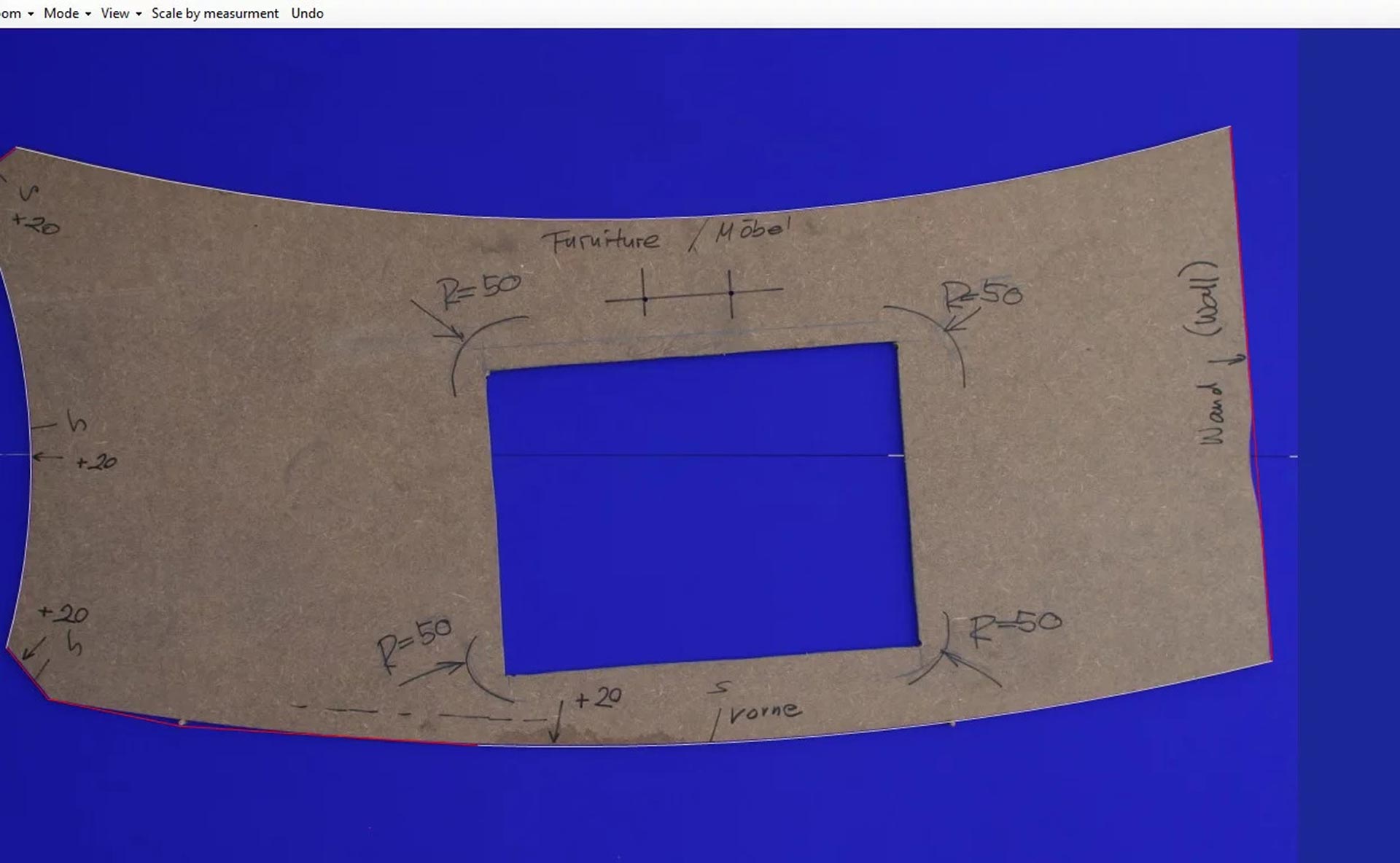
TAKE A PHOTO
Start by taking a photograph of the hard template
NEXT
-
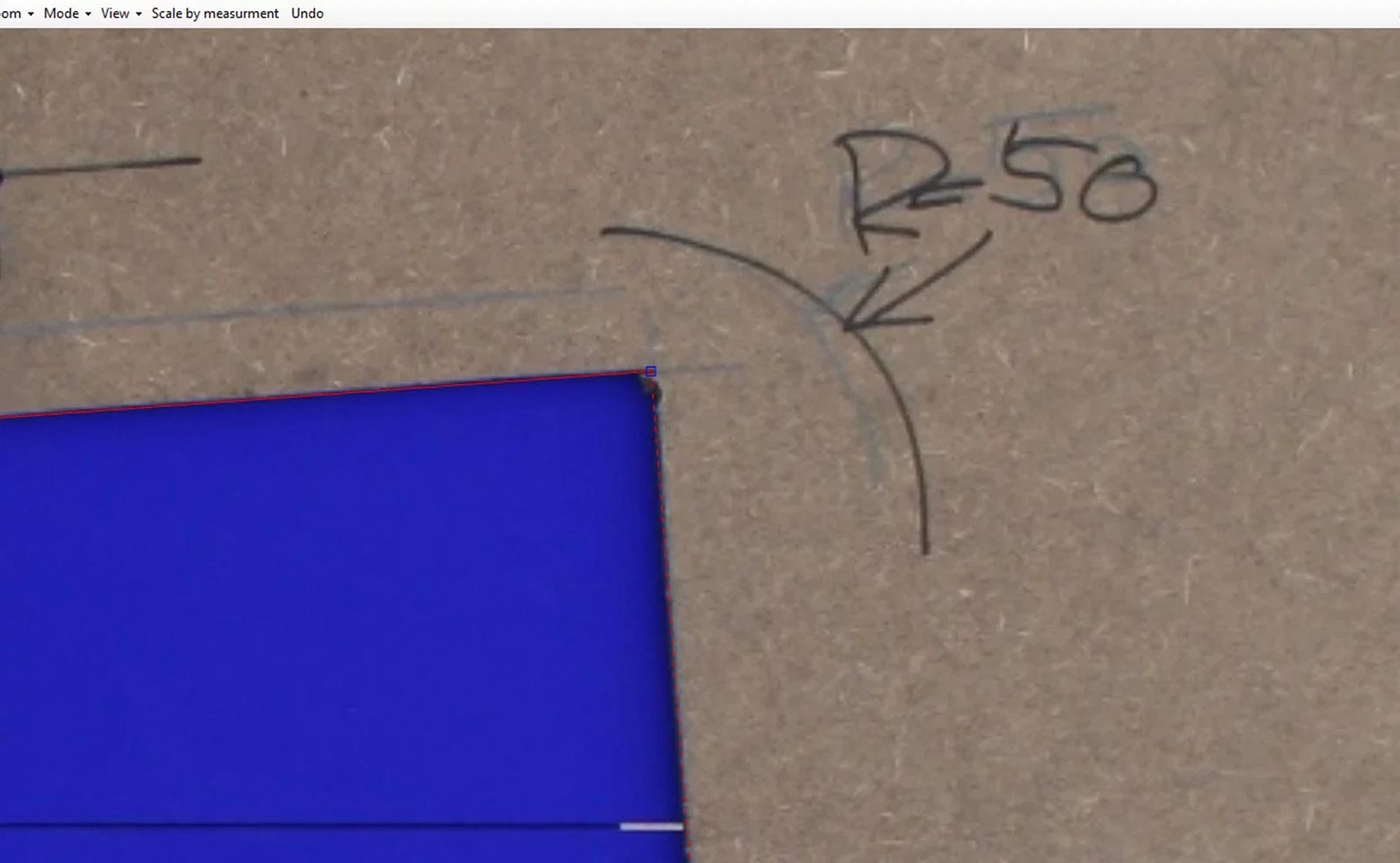
ZOOM IN AND REFINE
Zoom in and simply drag the lines to where they need to be
NEXT
-
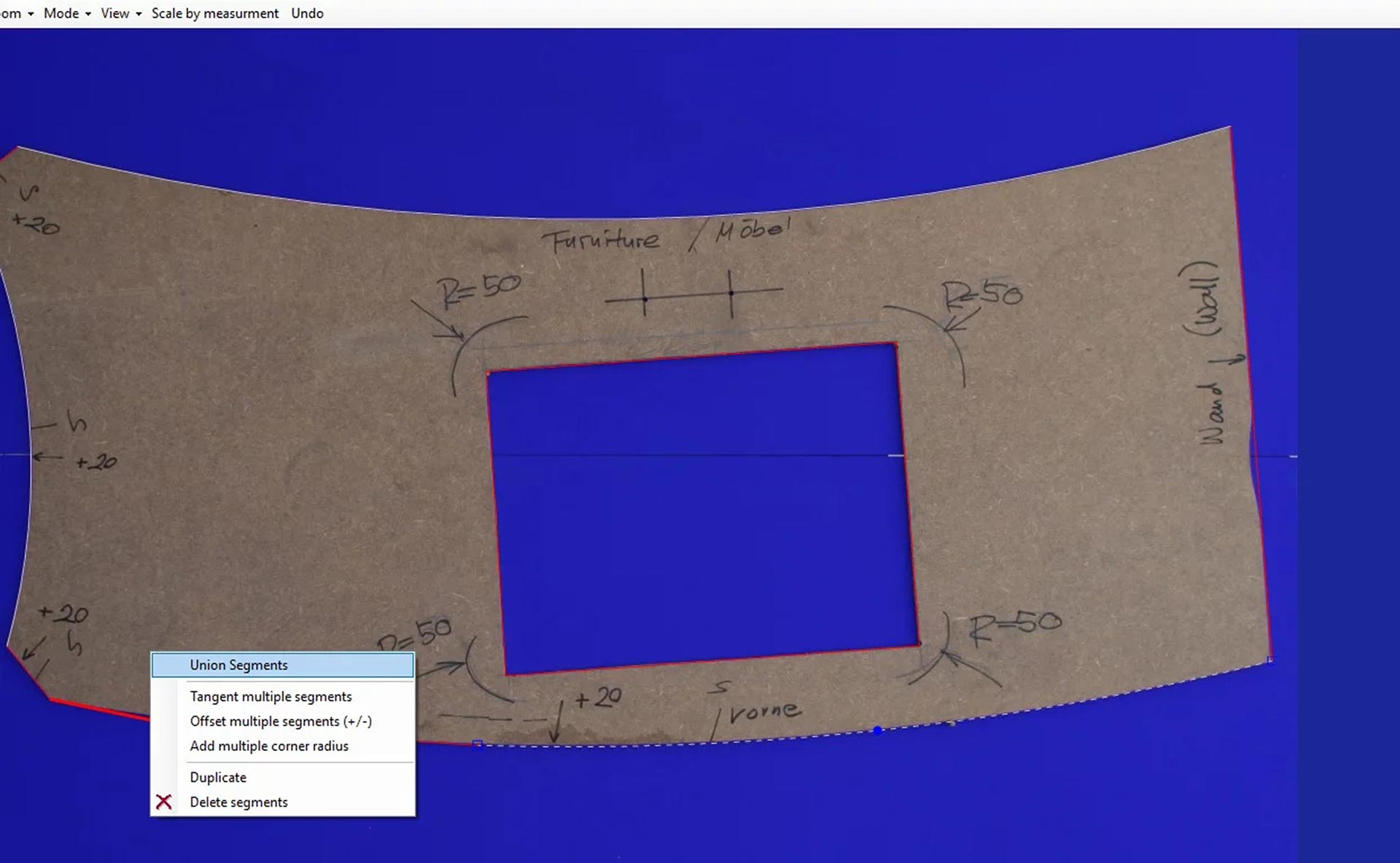
UNION SEGMENTS
Makes individual segments one complete line!
HOW IT WORKS
-
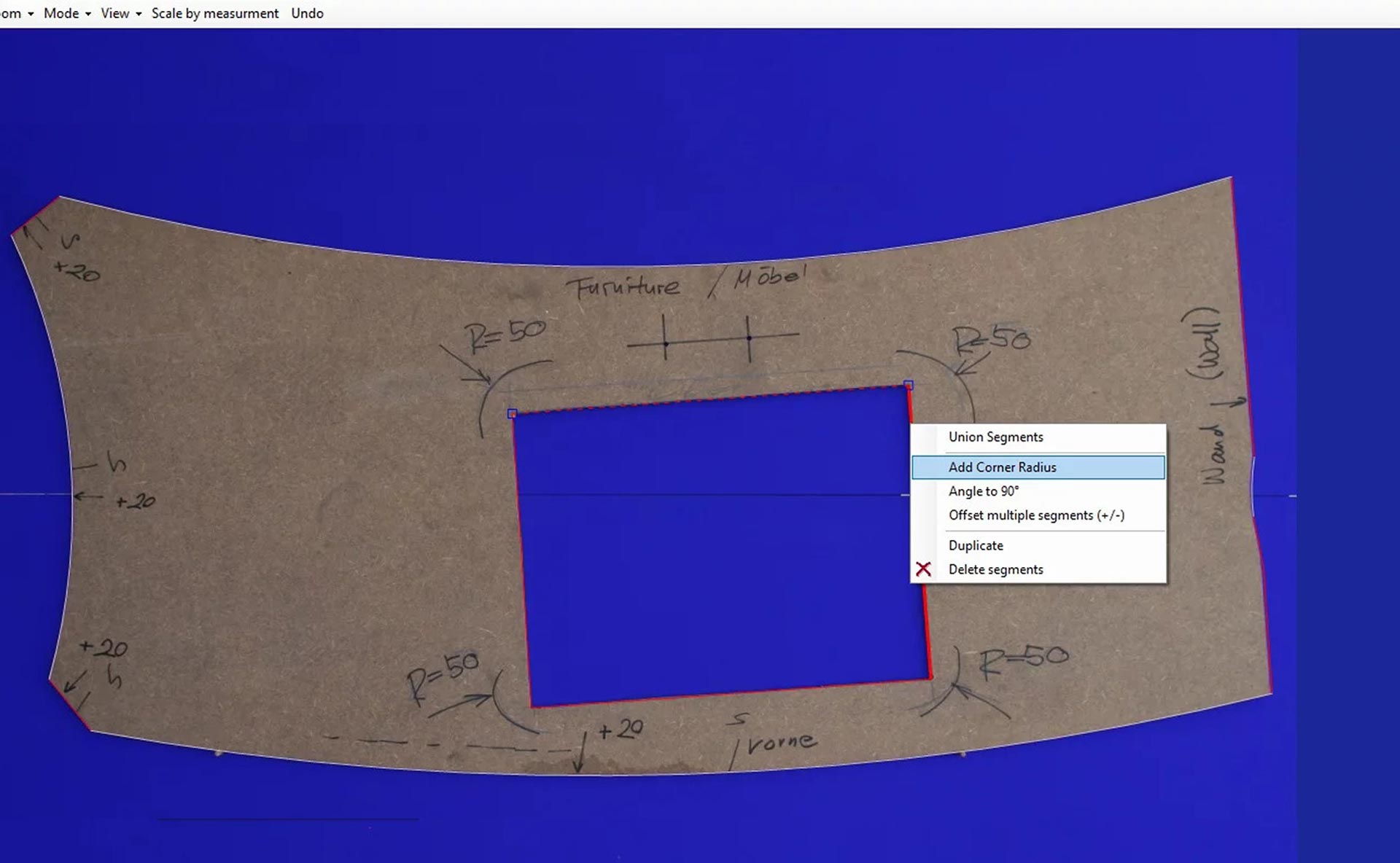
ADD A RADIUS
Should you need to, you can also add a Radius on any corners that they are required on
NEXT
-
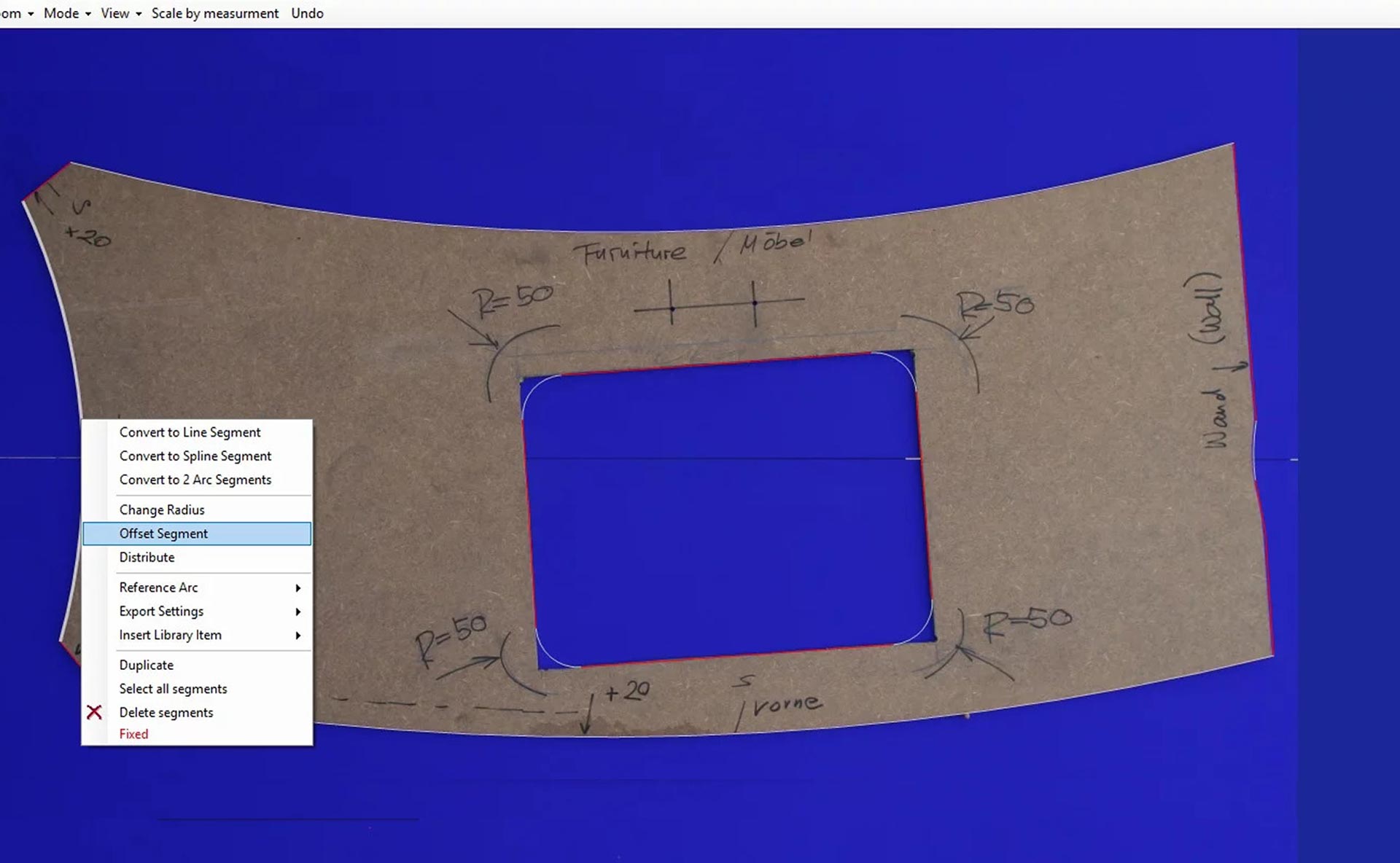
ADD OFFSETS
You can also add any offsets to any lines that require them
NEXT
-
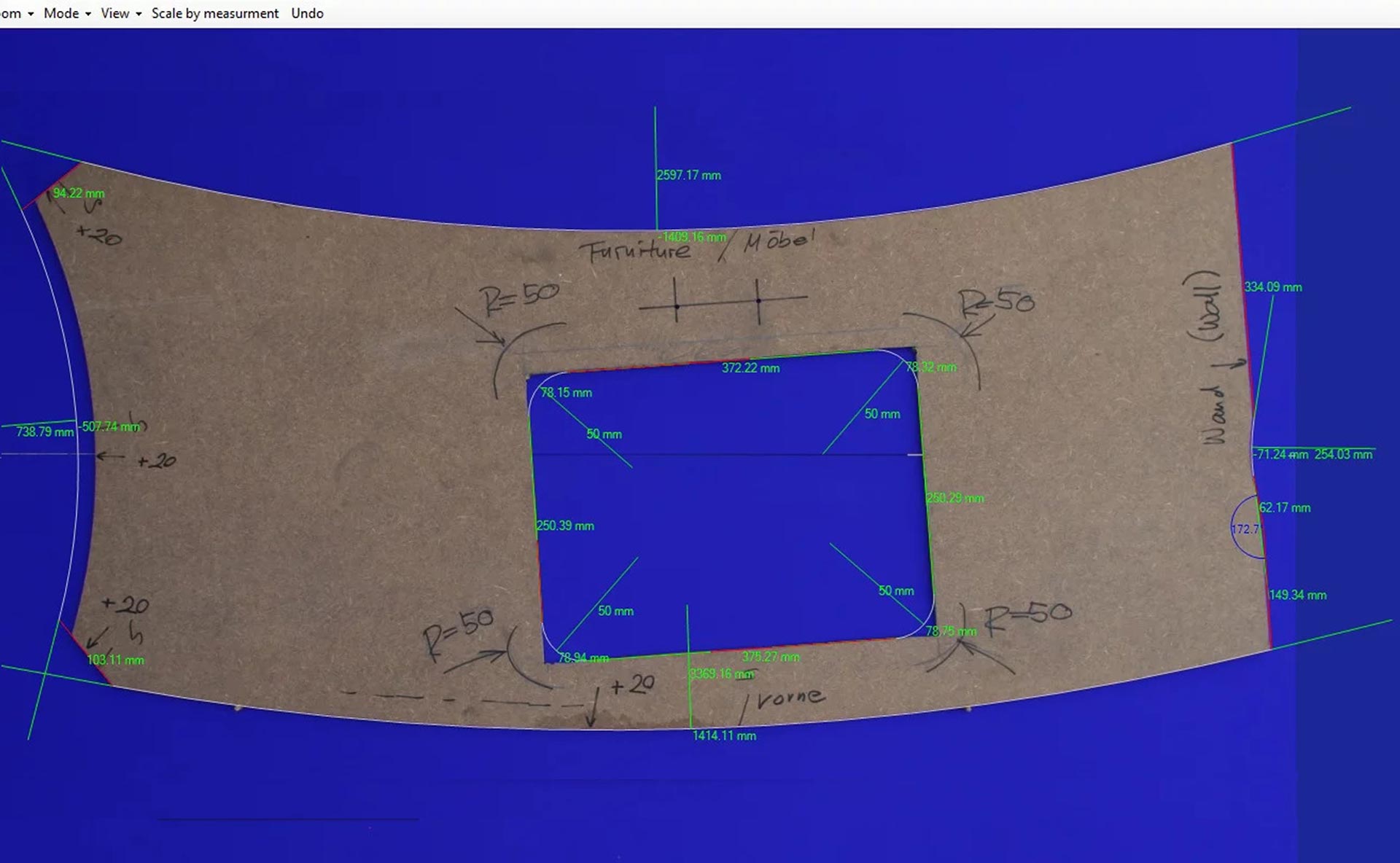
CHECK AND EXPORT
Once you have checked your work, simply save and then export to DXF for your CAD/CAM ready file
NEXT